AStudio Tips
Source: Official AStudio documentation · Checked: 2026-10-27. Product behavior and availability may change; consult the current official page.
The screenshots below come from the official Chinese interface. English captions explain each step; click an image to enlarge it.
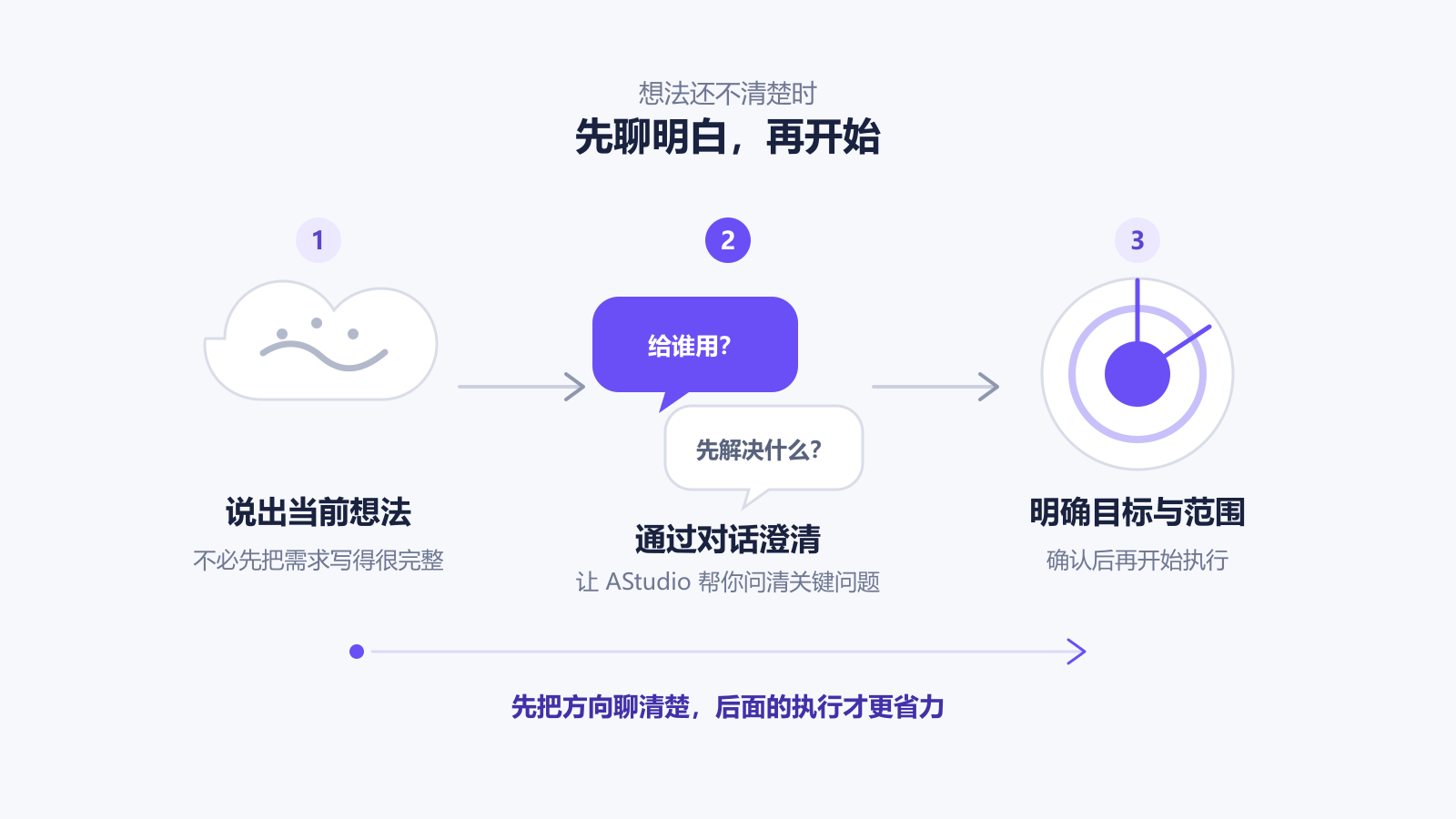
Clarify the Goal
When the idea is still broad, clarify the purpose, audience and deliverable before execution.
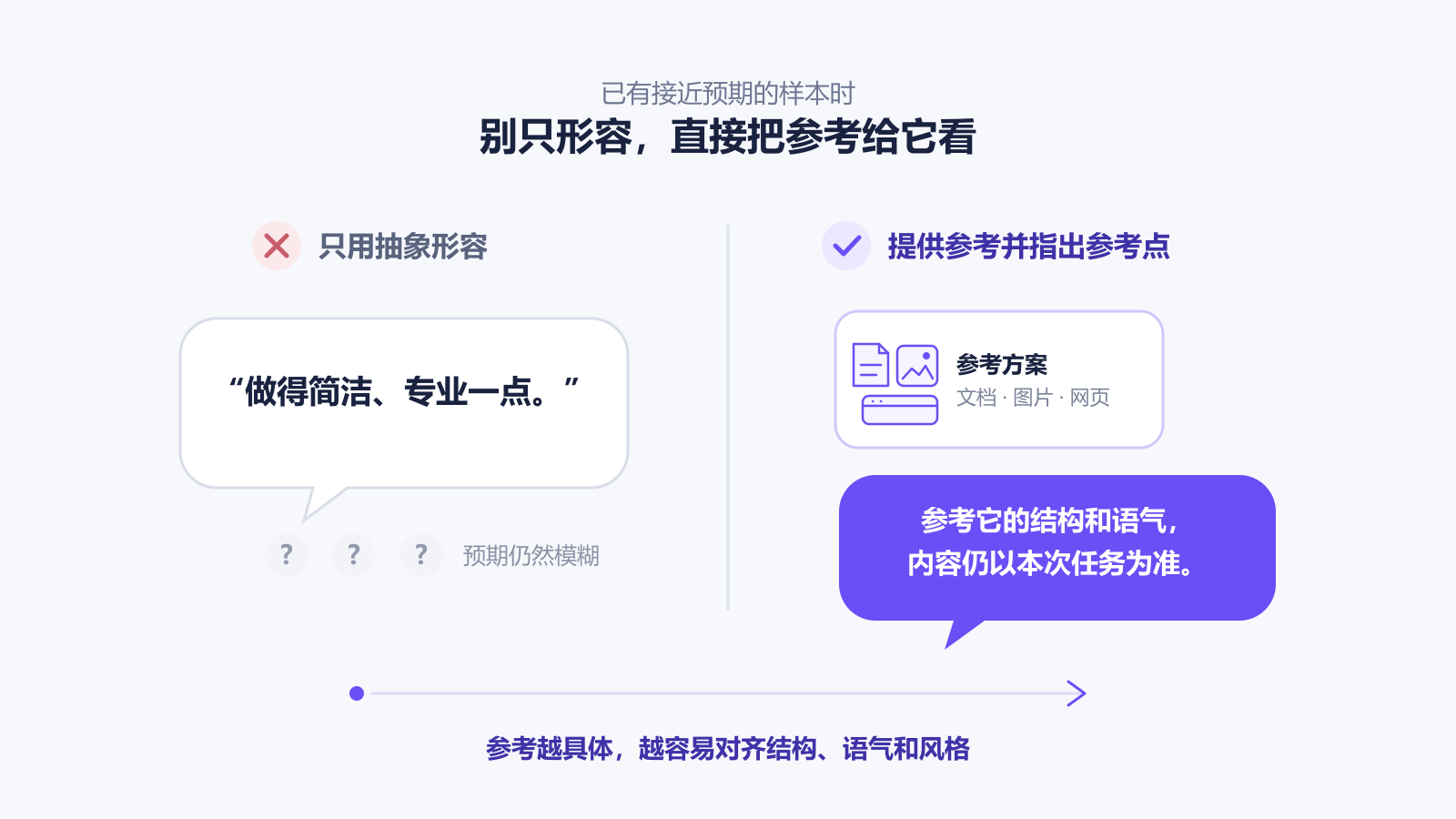
Provide References
Attach documents, images or websites and explain which structure, tone or layout to follow.
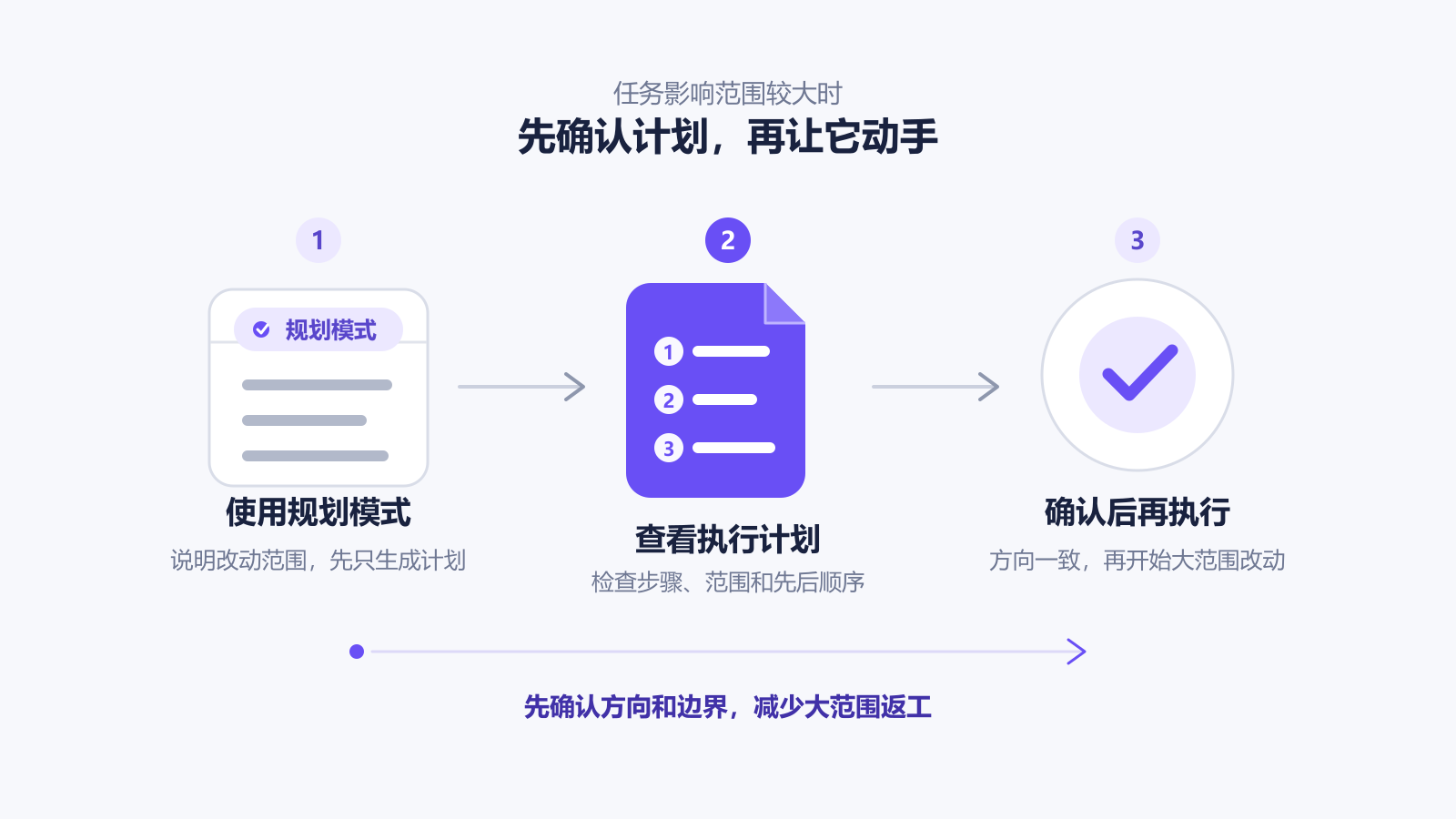
Review Before Large Changes
For changes across files or important content, review the scope and sequence before implementation.
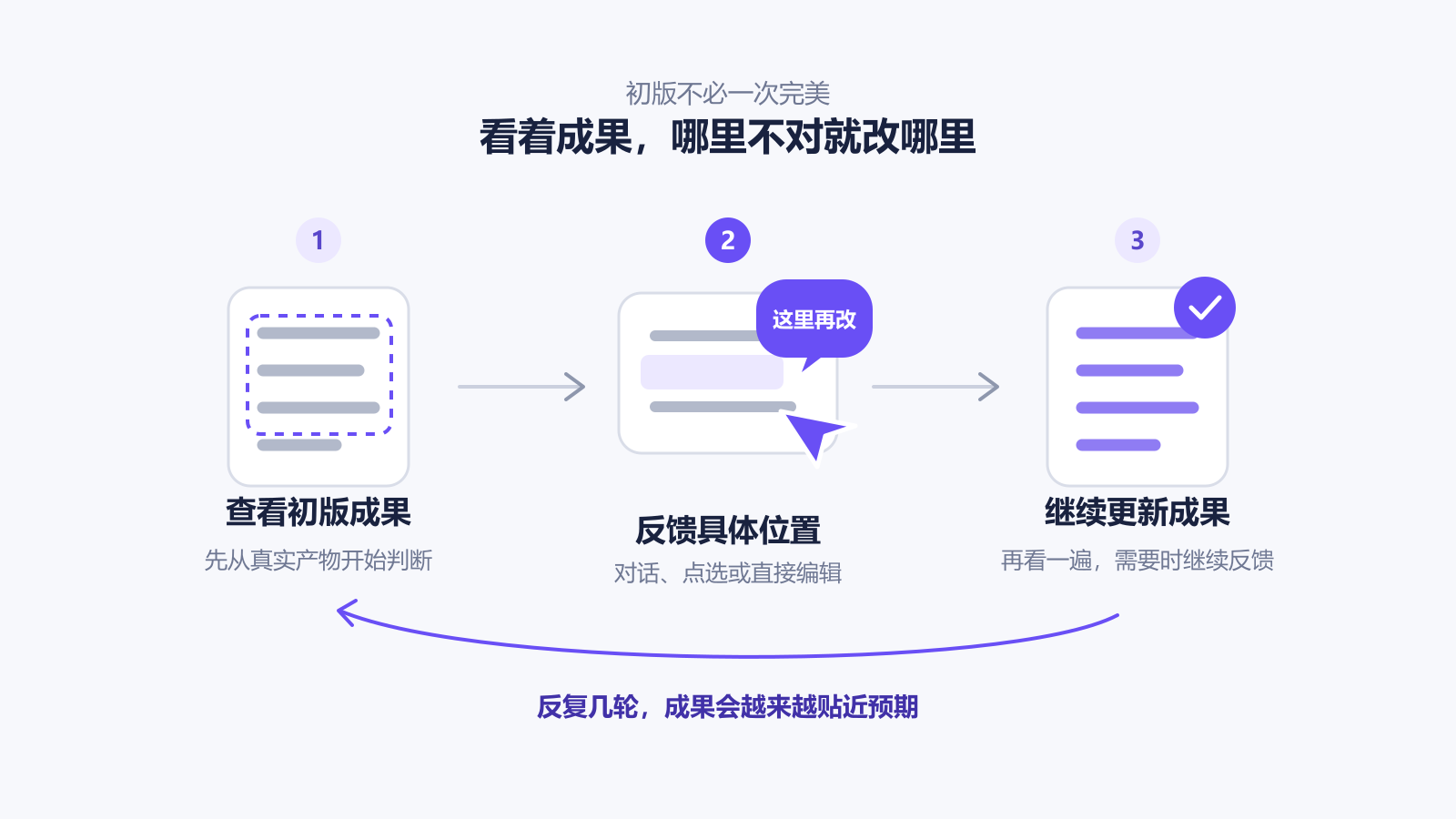
Give Specific Feedback
Describe the location, current problem and desired result through conversation, element selection or text editing.
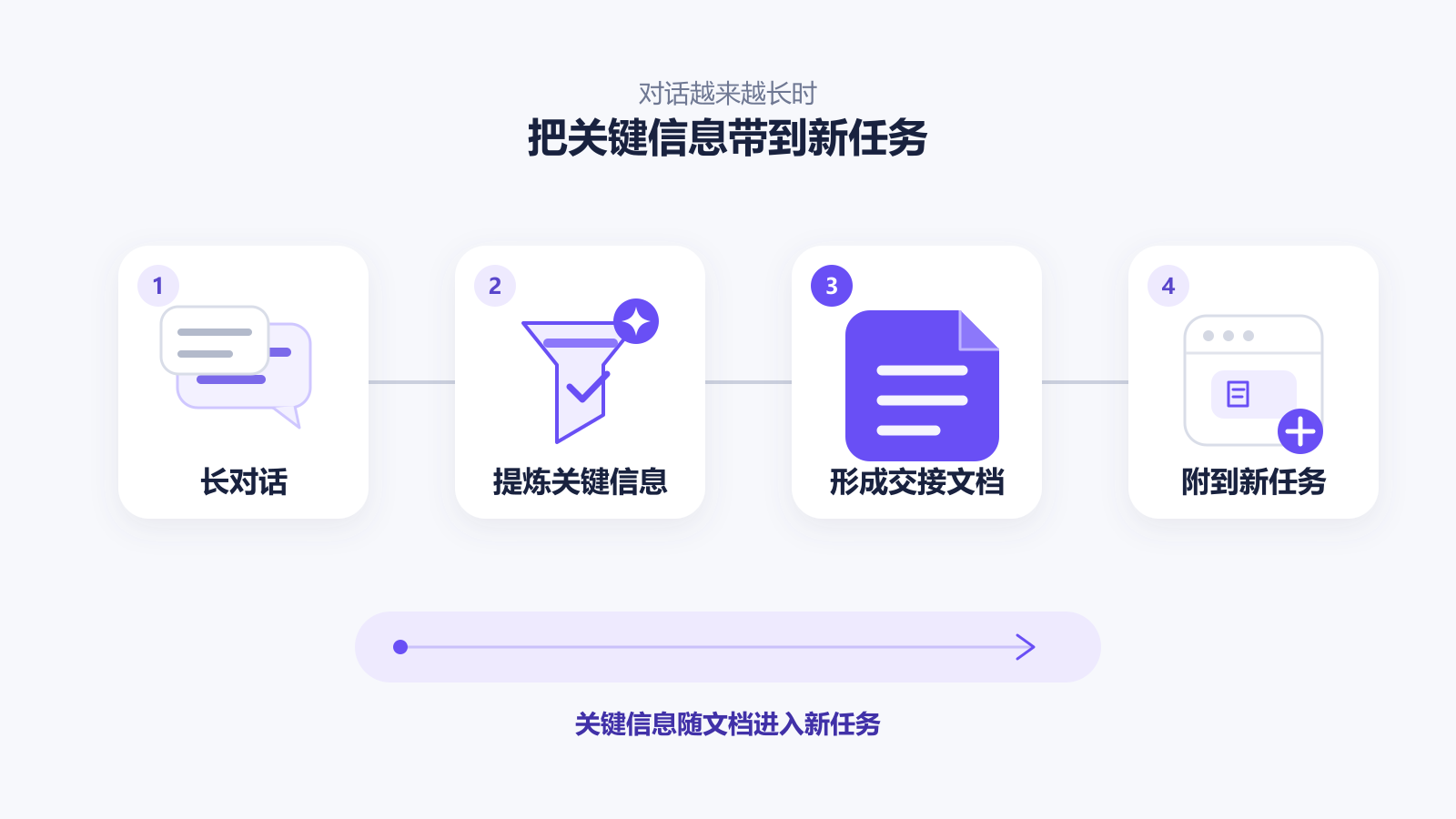
Prepare a Handover
Capture background, decisions, constraints, progress and next steps for a new task.
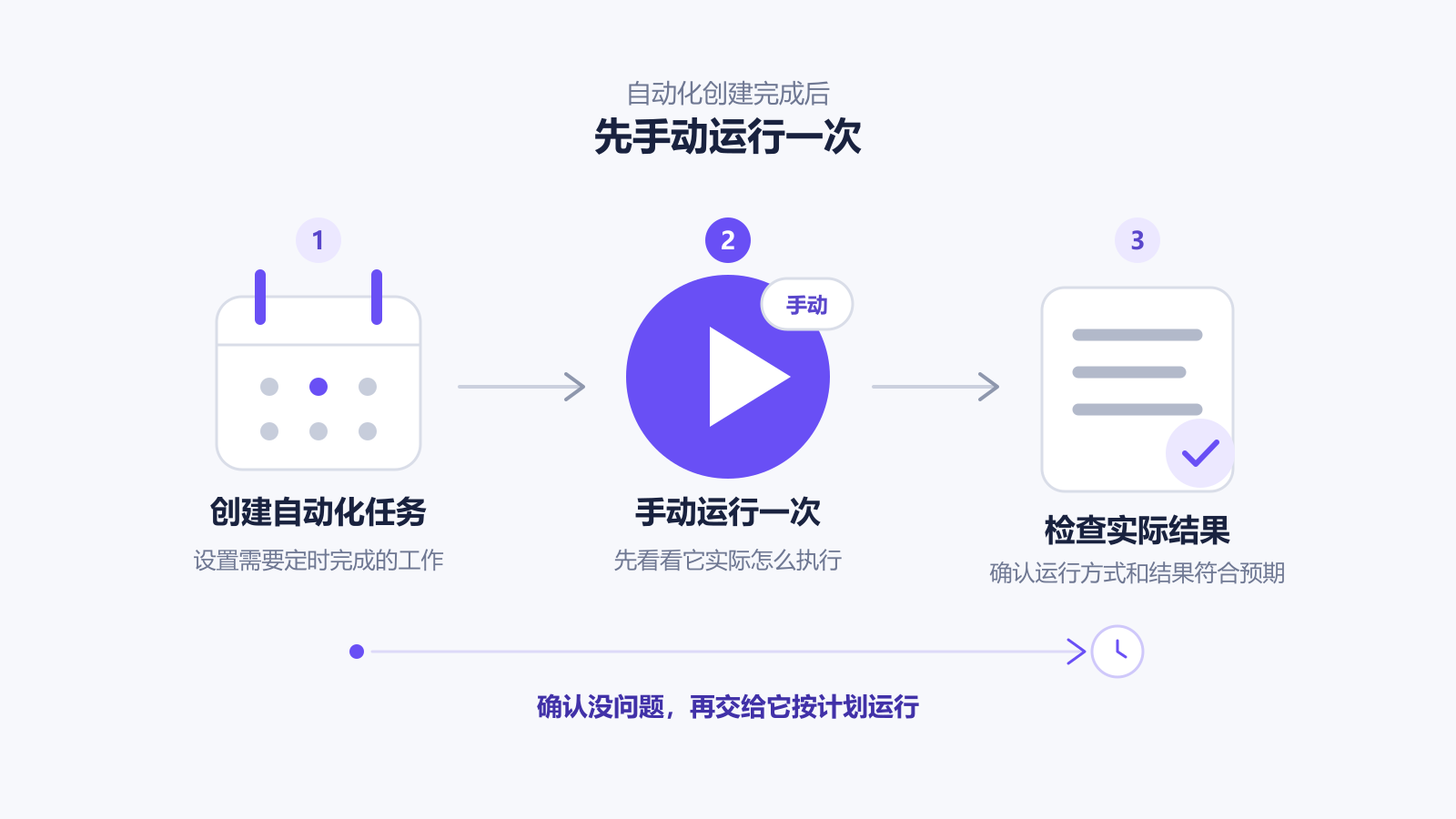
Test Automation First
Run new automation manually and check its inputs, output and save location before relying on the schedule.
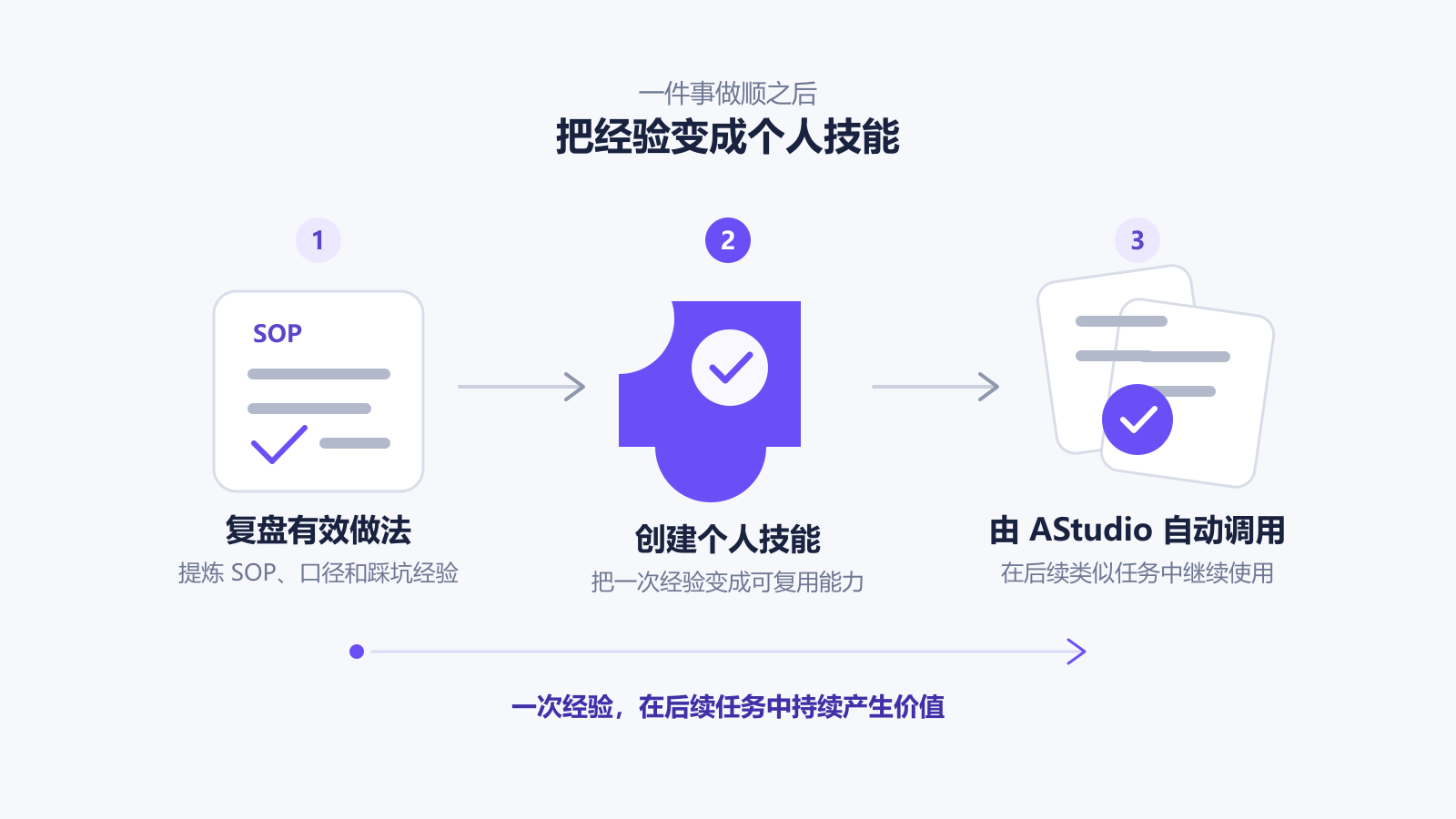
Turn Experience into a Skill
Turn repeatable steps, definitions and checks into a personal skill for future tasks.